
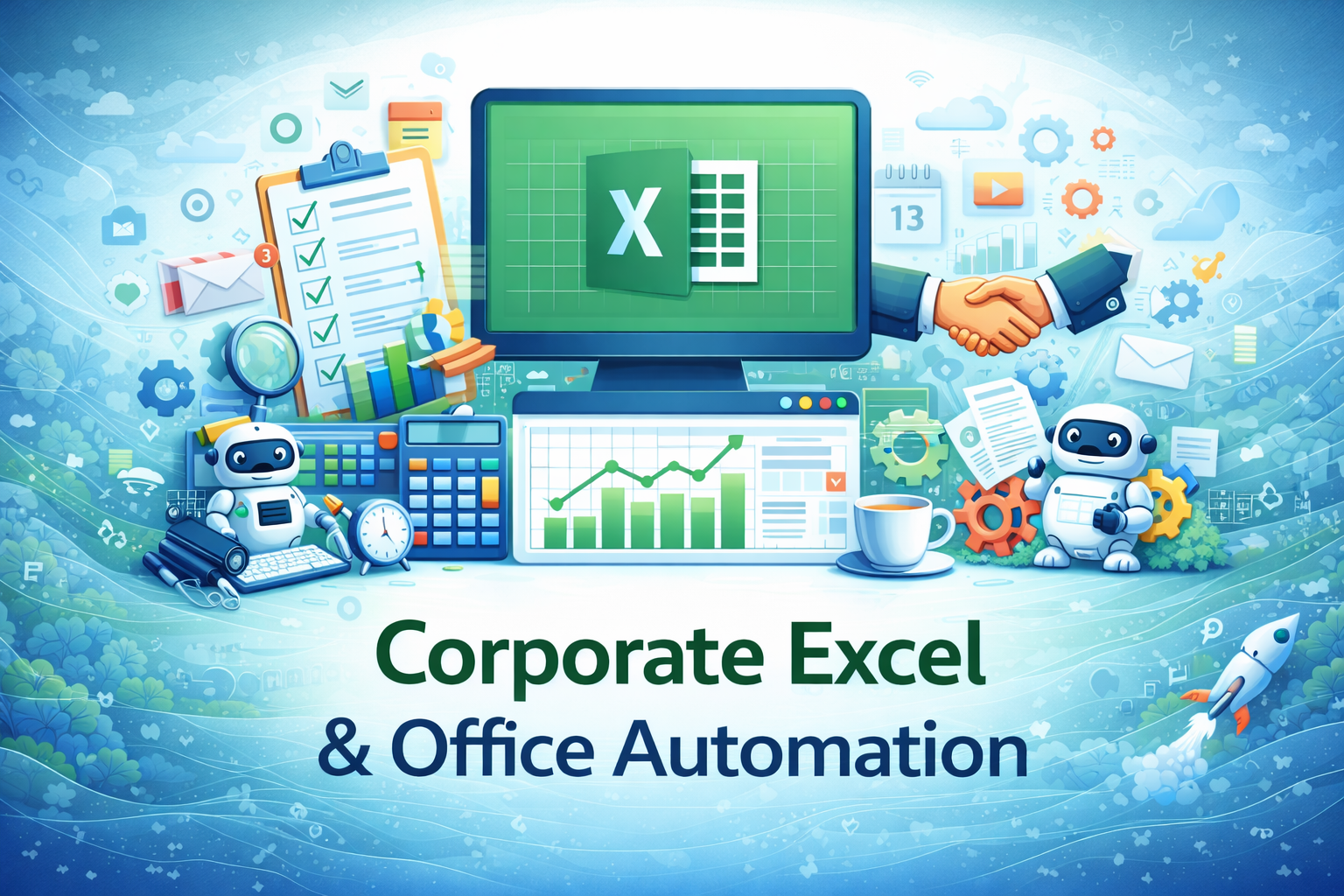
Corporate Excel & Office Automation
This specialization equips working professionals with practical Excel skills used in corporate offices to automate daily tasks, reduce manual effort, and improve productivity, accuracy, and reporting efficiency.
Compare & Select from 100+
Best Universities for your Corporate Excel & Office Automation
100% Placement Assistance
Overview
In today’s corporate environment, Excel is not just a spreadsheet tool it is a core productivity platform used across departments such as administration, HR, finance, operations, sales, and management. Almost every organization relies on Excel for data handling, reporting, analysis, and decision support.
The Corporate Excel & Office Automation specialization under the Advanced Excel for Working Professionals course is designed to help learners move beyond basic Excel usage and develop job-ready, office-focused Excel skills. This specialization emphasizes automation, efficiency, accuracy, and professional work standards, which are critical in real-world corporate roles.
Many working professionals spend hours every week performing repetitive Excel tasks copy-pasting data, formatting reports, calculating totals, checking errors, and preparing routine documents. This specialization teaches learners how to automate such tasks, streamline workflows, and work smarter rather than harder.
The content is structured to reflect actual corporate usage of Excel, not academic theory. Every concept is explained with practical intent why it is used, where it is used, and how it adds value in an office environment.
Table of Contents
- Introduction to Corporate Excel Usage
- Understanding Excel in a Professional Office Environment
- Excel Interface, Workbooks, and Corporate File Management
- Data Entry Standards and Best Practices
- Essential Excel Functions for Office Work
- Logical and Conditional Functions in Corporate Scenarios
- Lookup and Reference Functions for Daily Office Tasks
- Data Cleaning and Preparation Techniques
- Working with Tables and Structured Data
- Sorting, Filtering, and Data Validation
- Automating Repetitive Office Tasks
- Introduction to Excel Templates and Reusable Formats
- Professional Formatting and Report Presentation
- Error Handling and Data Accuracy
- Time-Saving Excel Shortcuts and Productivity Tools
- Introduction to Macros and Basic Automation
- Excel Collaboration and File Sharing in Offices
- Data Protection, Security, and Version Control
- Common Corporate Use Cases and Practical Examples
- Career Relevance and Workplace Impact
1. Introduction to Corporate Excel Usage
Excel is one of the most widely used tools in corporate offices worldwide. From entry-level executives to senior managers, Excel plays a critical role in handling daily data-driven tasks.
In corporate settings, Excel is commonly used for:
- Maintaining employee records
- Preparing attendance and tracking sheets
- Managing invoices and expenses
- Creating daily, weekly, and monthly reports
- Tracking performance metrics
- Organizing operational data
This specialization begins by helping learners understand how Excel fits into everyday office workflows and why employers expect proficiency beyond basic spreadsheet knowledge.
2. Understanding Excel in a Professional Office Environment
Unlike casual or academic use, corporate Excel usage follows specific standards and expectations:
- Clean and structured data
- Consistent formatting
- Error-free calculations
- Readable and presentable reports
Learners are introduced to the mindset required to work with Excel professionally, including:
- Attention to detail
- Accuracy and accountability
- Documentation and clarity
- Reusability of work
This section sets the foundation for thinking like a corporate professional rather than a casual Excel user.
3. Excel Interface, Workbooks, and Corporate File Management
This section revisits the Excel interface from a professional perspective. Learners understand:
- Workbooks vs worksheets in office use
- Naming conventions for files and sheets
- Organizing data across multiple sheets
- Linking sheets within a workbook
Emphasis is placed on file organization, which is often overlooked but crucial in offices where multiple people may access or review the same Excel files.
4. Data Entry Standards and Best Practices
Incorrect or inconsistent data entry is one of the biggest causes of errors in Excel-based office work.
This module covers:
- Standard data formats (dates, numbers, text)
- Avoiding manual errors
- Using consistent naming and codes
- Understanding how poor data entry impacts reports and calculations
Learners gain discipline in entering and managing data the way organizations expect.
5. Essential Excel Functions for Office Work
This section introduces the most commonly used Excel functions in offices, explained with real-world relevance.
Topics include:
- SUM, AVERAGE, COUNT
- MIN, MAX
- Basic arithmetic formulas
- Understanding relative and absolute cell references
Each function is explained through office-related examples such as calculating totals, averages, and summaries.
6. Logical and Conditional Functions in Corporate Scenarios
Logical functions are essential for decision-based calculations.
- This module covers:
- IF function and nested IF
- Logical operators (AND, OR)
- Applying conditions to real office scenarios
Examples include:
- Performance evaluation logic
- Eligibility checks
- Status updates (Approved / Pending / Rejected)
Learners understand how Excel supports rule-based decision-making in offices.
7. Lookup and Reference Functions for Daily Office Tasks
Lookup functions save time and reduce errors when working with large datasets.
Topics include:
- VLOOKUP and HLOOKUP
- Understanding lookup tables
- Practical office use cases
Examples include:
- Fetching employee details
- Linking codes to descriptions
- Automating reference-based calculations
The focus remains on accuracy and efficiency, not memorization.
8. Data Cleaning and Preparation Techniques
Corporate data is often messy and unstructured.
Learners are introduced to:
- Removing duplicates
- Handling blank cells
- Trimming unnecessary spaces
- Correcting inconsistent data
This section highlights why data cleaning is a critical step before analysis or reporting.
9. Working with Tables and Structured Data
Excel Tables improve data management and automation.
This module covers:
- Creating and using Excel Tables
- Benefits of structured references
- Automatic expansion of data
Learners see how tables improve readability and reduce manual effort in offices.
10. Sorting, Filtering, and Data Validation
Sorting and filtering are daily tasks in offices.
Topics include:
- Multi-level sorting
- Advanced filtering
- Data validation for controlled data entry
Learners understand how these tools help maintain data accuracy and consistency.
11. Automating Repetitive Office Tasks
One of the core objectives of this specialization is automation.
Learners learn:
- Identifying repetitive tasks
- Using formulas to replace manual work
- Designing Excel workflows that reduce effort
This section shifts learners from “doing work” to designing systems that do work.
12. Introduction to Excel Templates and Reusable Formats
Templates are widely used in offices to maintain consistency.
This module explains:
- Creating reusable Excel templates
- Standardizing reports and forms
- Benefits of templates in organizations
Learners gain the ability to create professional, repeatable Excel documents.
13. Professional Formatting and Report Presentation
Excel reports must be readable and presentable.
- Topics include:
- Professional formatting standards
- Conditional formatting for highlights
- Alignment, spacing, and layout principles
The goal is to help learners create Excel files that look clear, professional, and management-ready.
14. Error Handling and Data Accuracy
Mistakes in Excel can lead to serious business issues.
Learners understand:
- Common Excel errors
- How to detect and fix errors
- Importance of cross-checking data
This section builds responsibility and reliability in Excel work.
15. Time-Saving Excel Shortcuts and Productivity Tools
Speed matters in corporate environments.
This module introduces:
- Keyboard shortcuts
- Quick-access tools
- Productivity tips used by experienced professionals
Learners significantly reduce time spent on routine tasks.
16. Introduction to Macros and Basic Automation
A beginner-level introduction to macros is provided.
Topics include:
- What macros are
- When they are used in offices
- Recording simple macros
This section prepares learners for future automation without overwhelming them.
17. Excel Collaboration and File Sharing in Offices
Excel is often used by multiple people.
Learners explore:
- Sharing files safely
- Tracking changes
- Collaboration best practices
This reflects real office scenarios where teamwork is essential.
18. Data Protection, Security, and Version Control
Data confidentiality is critical in corporate environments.
Topics include:
- Protecting sheets and workbooks
- Managing versions
- Avoiding data loss
Learners understand their responsibility when handling organizational data.
19. Common Corporate Use Cases and Practical Examples
This section ties everything together using:
- Office case scenarios
- Department-level examples
- End-to-end Excel workflows
Learners see how Excel skills translate directly to workplace tasks.
20. Career Relevance and Workplace Impact
This specialization helps learners:
- Improve efficiency at work
- Reduce dependency on others
- Build confidence in Excel-based tasks
While Excel skills alone do not guarantee a job, they significantly improve employability and workplace performance in many roles.
Outcome Summary
After completing this specialization, learners are expected to:
- Work confidently with Excel in corporate environments
- Automate routine office tasks
- Create structured, professional Excel files
- Improve speed, accuracy, and productivity


















 Invite Gmail Contacts