
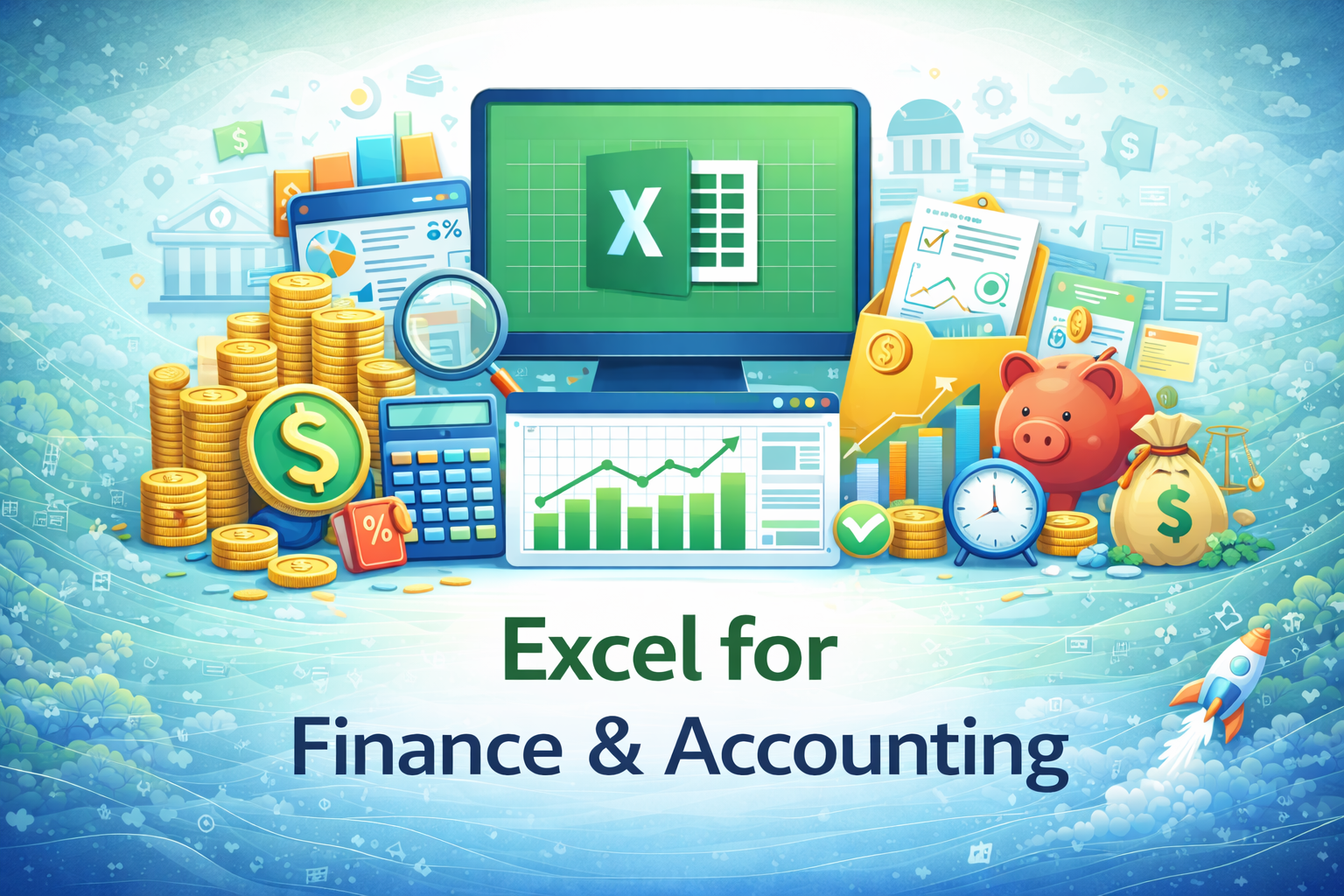
Excel for Finance & Accounting
This specialization focuses on using Excel for practical finance and accounting tasks such as expense tracking, budgeting, reconciliation, financial reporting, and basic analysis commonly performed in professional environments.
Compare & Select from 100+
Best Universities for your Excel for Finance & Accounting
100% Placement Assistance
Overview
Excel is one of the most important tools used in finance and accounting departments across organizations. Whether it is recording daily transactions, tracking expenses, preparing financial summaries, or supporting management decisions, Excel continues to be a core working tool for finance professionals. Even in organizations that use accounting or ERP software, Excel is widely used for supporting calculations, reconciliations, reporting, and analysis.
The Excel for Finance & Accounting specialization is designed to help working professionals apply Excel confidently and responsibly in finance-related roles. The focus of this specialization is not on teaching accounting theory or replacing professional accounting software. Instead, it concentrates on how Excel is practically used to support finance and accounting workflows in real organizational settings.
This specialization emphasizes accuracy, structure, discipline, and clarity—qualities that are essential in finance and accounting work. Learners are trained to handle numerical data carefully, reduce errors, and present financial information in a clear and professional manner.
Table of Contents
- Role of Excel in Finance & Accounting
- Understanding Financial Data in Excel
- Structuring Financial Data Correctly
- Essential Excel Formulas for Finance
- Percentages, Totals, and Financial Calculations
- Logical Functions in Financial Scenarios
- Working with Financial Statements in Excel
- Expense Tracking and Cost Management
- Budgeting and Variance Analysis
- Reconciliation Techniques Using Excel
- Data Validation and Error Control
- Financial Reporting in Excel
- Professional Formatting for Financial Reports
- Basic Financial Analysis Using Excel
- Using Templates in Finance & Accounting
- Automating Routine Financial Tasks
- Data Security and Confidentiality
- Collaboration and Version Control
- Real-World Finance & Accounting Use Cases
- Career Relevance and Workplace Impact
1. Role of Excel in Finance & Accounting
Excel plays a supporting but critical role in finance and accounting operations. It is used for calculations, summaries, reconciliations, and reporting that may not always be fully handled by accounting software. Professionals rely on Excel for flexibility, quick adjustments, and customized analysis.
This section helps learners understand where Excel fits within finance workflows and how it complements other financial systems rather than replacing them.
2. Understanding Financial Data in Excel
Financial data is sensitive and requires careful handling. Learners are introduced to different types of financial data such as income records, expenses, transaction logs, and summary figures. Emphasis is placed on understanding the meaning of data before performing calculations.
3. Structuring Financial Data Correctly
Proper structure is essential for accurate financial work. This section covers organizing data in rows and columns, maintaining consistency, avoiding merged cells, and using clear labels. Well-structured data reduces errors and simplifies reporting and analysis.
4. Essential Excel Formulas for Finance
Learners explore commonly used Excel formulas in finance and accounting, including totals, subtotals, averages, and basic arithmetic calculations. The focus is on correct usage, understanding references, and avoiding common formula mistakes.
5. Percentages, Totals, and Financial Calculations
Percentage-based calculations are widely used in finance. This section explains how to calculate growth rates, expense ratios, contribution percentages, and comparisons. Learners understand how small calculation errors can significantly impact financial outcomes.
6. Logical Functions in Financial Scenarios
Logical functions are used to apply rules and conditions to financial data. Learners see how Excel can be used to flag exceptions, classify transactions, and automate basic decision logic such as overdue payments or budget limits.
7. Working with Financial Statements in Excel
Excel is often used to prepare and support financial statements. Learners are introduced to the structure of basic income and expense summaries and understand how transaction-level data flows into summary-level reports. The emphasis is on clarity rather than accounting standards.
8. Expense Tracking and Cost Management
Tracking expenses accurately is a core finance task. This section explains how Excel is used to record expenses, categorize costs, and monitor spending patterns. Learners understand how Excel supports cost control and financial discipline.
9. Budgeting and Variance Analysis
Excel is widely used for budgeting and financial planning. Learners explore how budgets are created, how actual expenses are recorded, and how differences between planned and actual values are analyzed. This builds awareness of financial control processes.
10. Reconciliation Techniques Using Excel
Reconciliation ensures consistency between different records. Learners understand how Excel supports reconciliation tasks such as matching figures across sheets or comparing internal data with external statements. Accuracy and verification are emphasized throughout.
11. Data Validation and Error Control
Errors in financial Excel files can have serious consequences. This section focuses on identifying common errors, validating data entries, and checking calculations before finalizing reports. Learners develop a habit of reviewing and verifying their work.
12. Financial Reporting in Excel
Financial reports must be clear, consistent, and easy to interpret. Learners understand how Excel is used to prepare periodic financial reports such as monthly summaries and expense statements. The focus is on readability and transparency.
13. Professional Formatting for Financial Reports
Formatting supports clarity but must be used responsibly. This section explains how to apply professional formatting to highlight key figures, maintain consistency, and avoid misleading presentation of numbers.
14. Basic Financial Analysis Using Excel
Learners are introduced to simple analysis techniques such as trend comparisons, time-based summaries, and ratio-style insights. The goal is to support understanding and decision-making rather than advanced financial modeling.
15. Using Templates in Finance & Accounting
Templates are widely used to standardize financial work. Learners understand how templates improve efficiency, consistency, and accuracy when used correctly, and why maintaining templates responsibly is important.
16. Automating Routine Financial Tasks
Automation in finance must be handled carefully. This section explains how formulas, structured layouts, and templates can reduce repetitive work while ensuring calculations remain transparent and reviewable.
17. Data Security and Confidentiality
Finance data is sensitive. Learners are introduced to basic Excel security practices such as protecting sheets, controlling access, and managing versions. Responsible handling of financial information is strongly emphasized.
18. Collaboration and Version Control
Finance teams often collaborate with other departments. This section explains how Excel files are shared, reviewed, and updated in professional environments, and how version control helps avoid confusion and errors.
19. Real-World Finance & Accounting Use Cases
Practical workplace scenarios are used to connect Excel skills with actual finance and accounting tasks. Learners see how Excel supports daily operations rather than existing as a theoretical tool.
20. Career Relevance and Workplace Impact
Strong Excel skills improve efficiency, reliability, and confidence in finance and accounting roles. While Excel alone does not define a finance professional, it significantly supports career growth by enabling professionals to handle data accurately and present information clearly.
Expected Learning Outcomes
After completing this specialization, learners are expected to:
- Use Excel confidently for finance and accounting tasks
- Handle financial data with improved accuracy
- Prepare clear and structured financial reports
- Reduce manual effort through disciplined Excel workflows



















 Invite Gmail Contacts